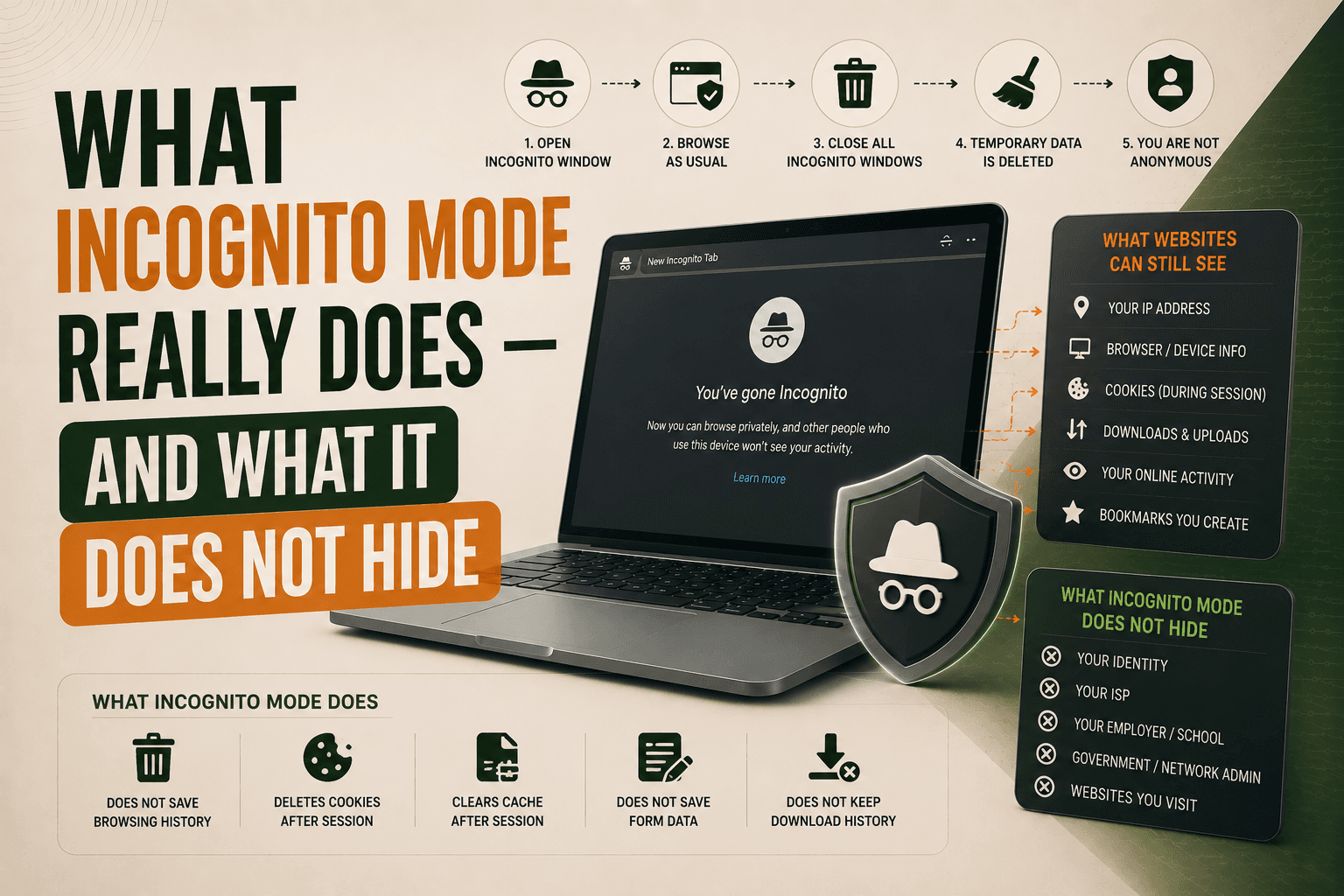
What Can Hackers See on Public Wi-Fi? What Is Actually at Risk?
Learn what hackers can actually see when you use public Wi-Fi. Discover which information is protected by HTTPS, what remains visible, the real risks of public hotspots, and how a VPN can help secure your connection.

Paul Jackson
Technology editor
Free Wi-Fi is available almost everywhere today. You can connect in cafés, airports, hotels, shopping malls, libraries, and countless other public places.
Many people still believe that the moment they join a public Wi-Fi network, anyone nearby can immediately read their passwords, messages, or banking information.
Years ago that was often true.
Today the situation is very different.
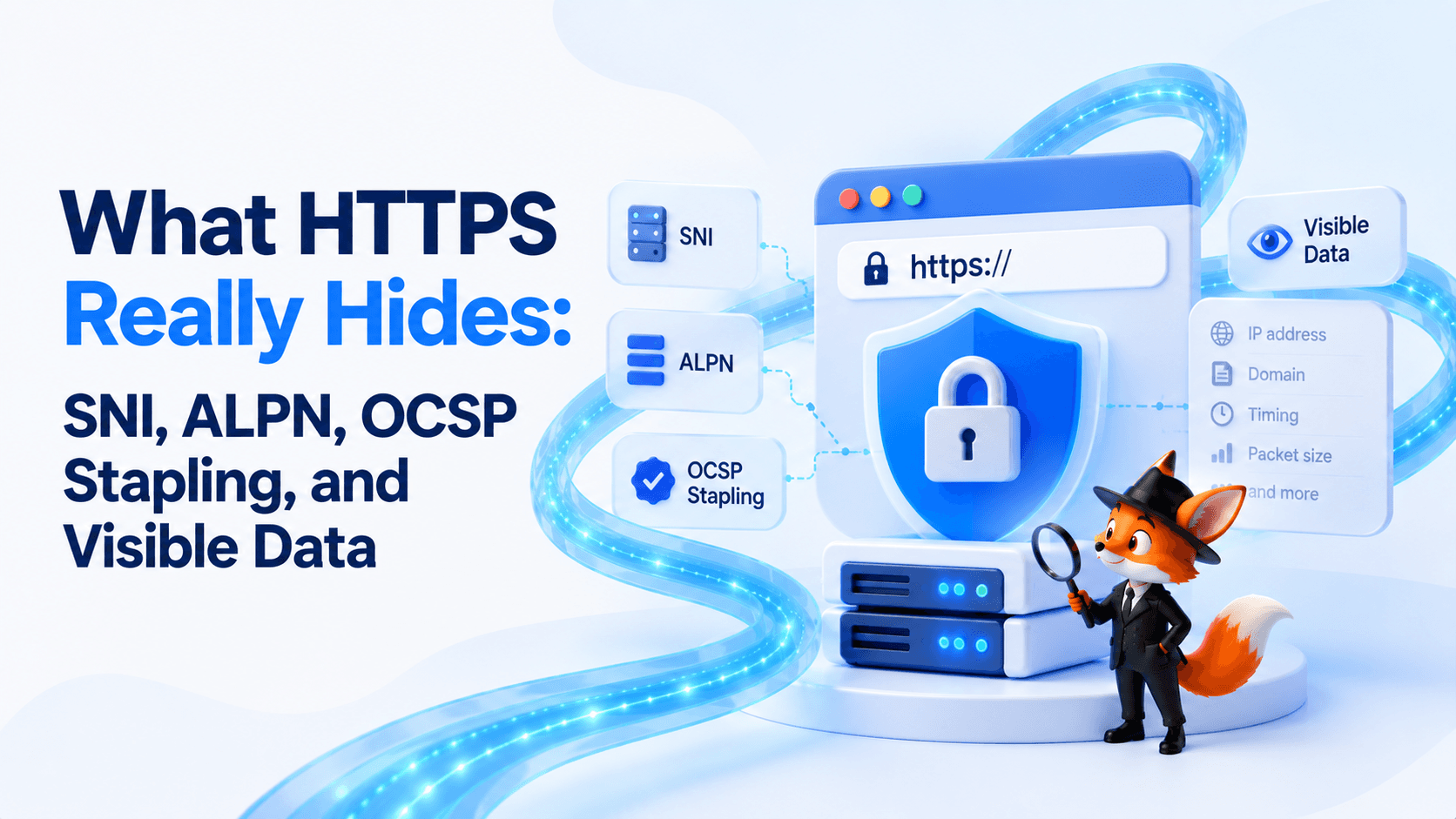
Most websites now use HTTPS, which encrypts the traffic between your browser and the website. Public Wi-Fi is still less trustworthy than your home network, but attackers usually cannot simply “see everything” you do online.
This guide explains what information can actually be exposed, what HTTPS protects, and where using a VPN really makes a difference.
What is Public Wi-Fi?
A public Wi-Fi network is any wireless network you don’t own or manage yourself.
Unlike your home router, you usually have no idea:
- who configured the network;
- how securely it’s maintained;
- who else is connected.
That doesn’t automatically make the network dangerous, but it does mean you should treat it as untrusted.
What information can actually be seen?
One of the biggest myths about public Wi-Fi is that everyone connected to the same hotspot can read your internet traffic.
With modern HTTPS, that simply isn’t how most websites work.
Information that may be visible
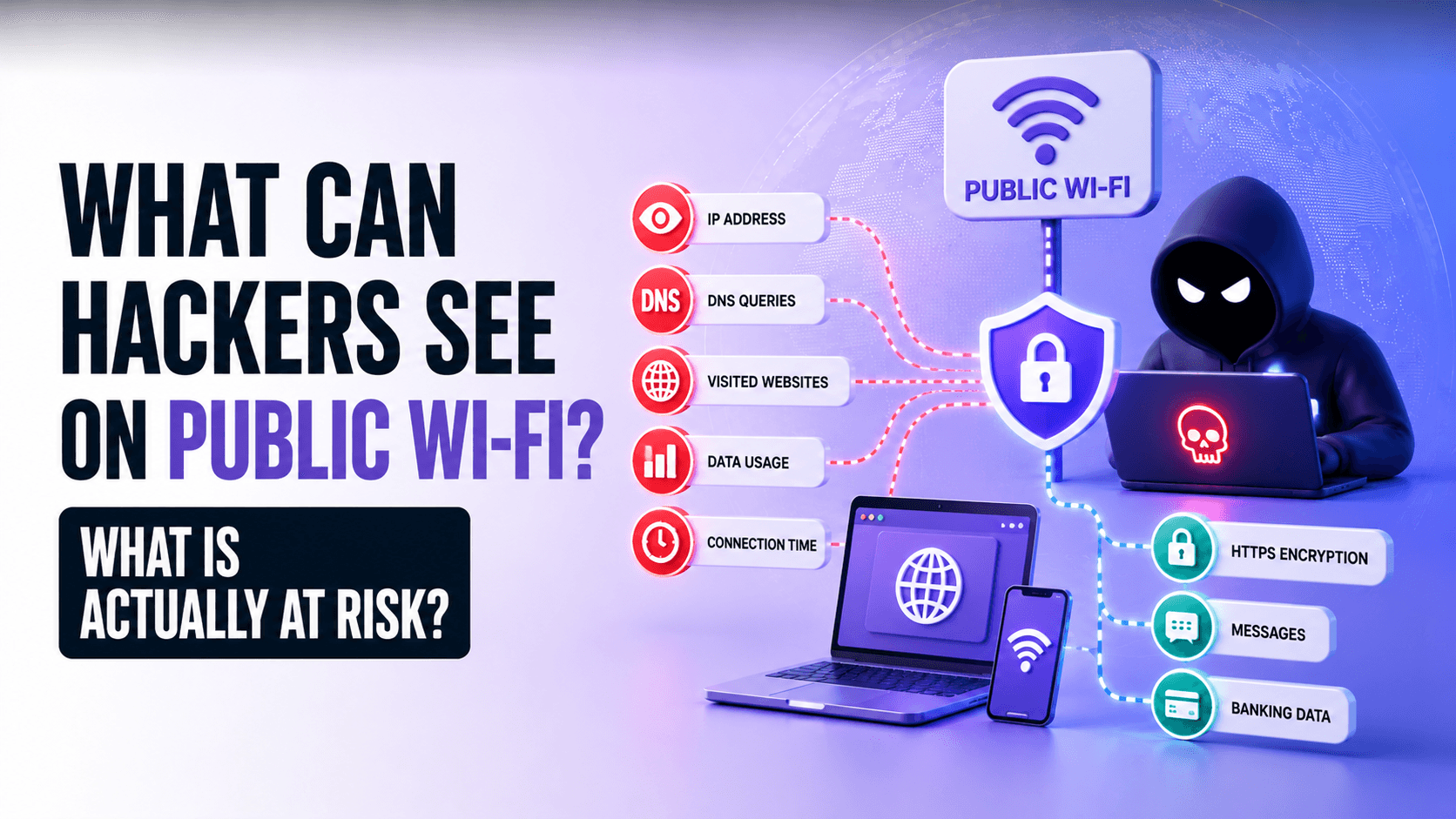
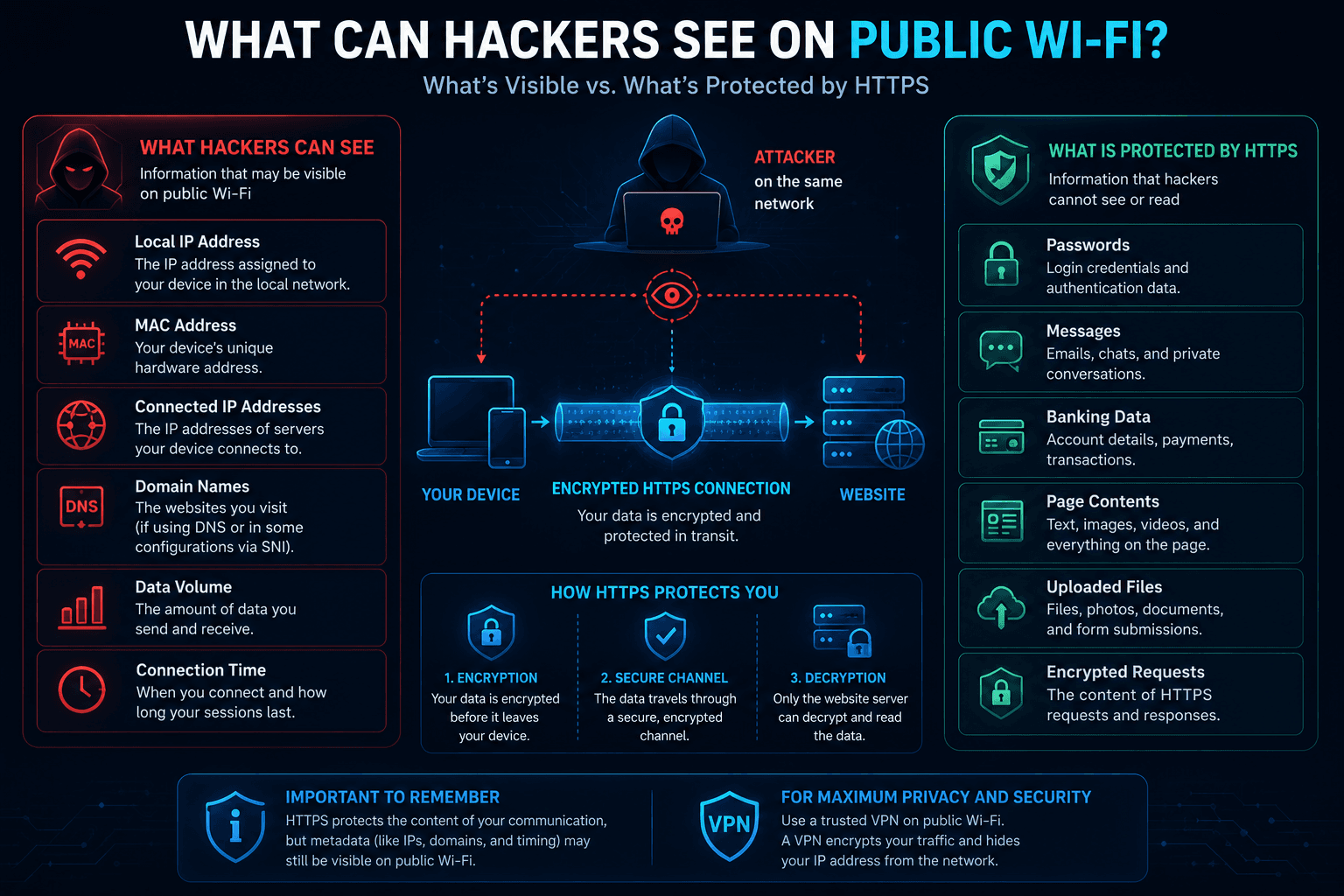
Someone operating the network—or, in some cases, an attacker on the same local network—may still be able to see:
- your local IP address;
- your MAC address within the local network;
- the public IP addresses you connect to;
- domain names in some situations (for example through unencrypted DNS requests or SNI when Encrypted ClientHello isn’t used);
- the amount of transferred data;
- connection start and end times.
This information reveals where your device connects, not what you send.
Information protected by HTTPS
If a website uses HTTPS correctly, attackers generally cannot read:
- passwords;
- messages;
- banking information;
- page contents;
- uploaded files;
- encrypted requests and responses.
They can usually see that a connection exists—but not its contents.
Real attacks on public Wi-Fi
Modern attackers usually don’t try to decrypt HTTPS traffic.
Instead, they attempt to trick users before encryption even begins.
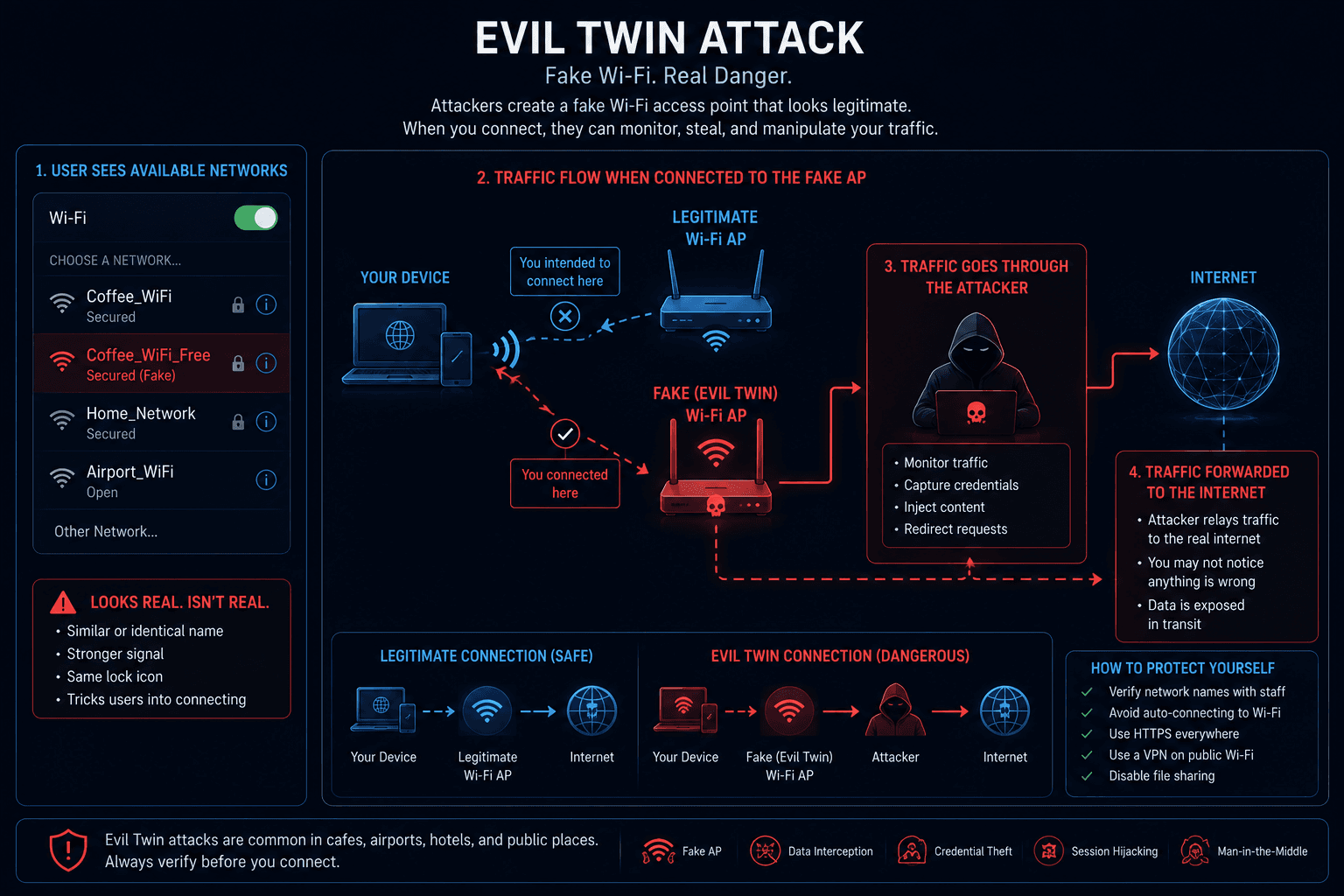
Evil Twin
One of the most common attacks is the Evil Twin.
The attacker creates a fake Wi-Fi network with a name almost identical to the real one.
For example:
Coffee_WiFi
↓
Coffee_WiFi_Free
If you connect to the fake hotspot, your traffic passes through equipment controlled by the attacker.
DNS spoofing
Another attack targets DNS.
If an attacker can manipulate DNS responses, they may redirect you to a fake website that looks identical to the original one.
Fortunately, browser certificate warnings usually prevent these attacks from succeeding—provided you don’t ignore the warning.
Fake captive portals
Many hotels, airports, and cafés display a login page before allowing internet access.
Attackers sometimes copy these portals to steal usernames, passwords, or payment details.
Before entering sensitive information, always confirm that you’ve connected to the legitimate network.
Why HTTPS changed everything
Years ago, many websites still used plain HTTP.
Anyone on the same network could potentially read the traffic passing between your browser and the website.
Today, HTTPS has become the standard.
Instead of seeing your passwords or messages, someone monitoring the network usually sees only encrypted traffic.
That doesn’t eliminate every possible attack, but it dramatically reduces the risks compared with a decade ago.
Where a VPN actually helps
A VPN adds another encrypted layer between your device and the VPN server.
Instead of sending traffic directly over the local network, it first enters an encrypted VPN tunnel.
The connection looks like this:
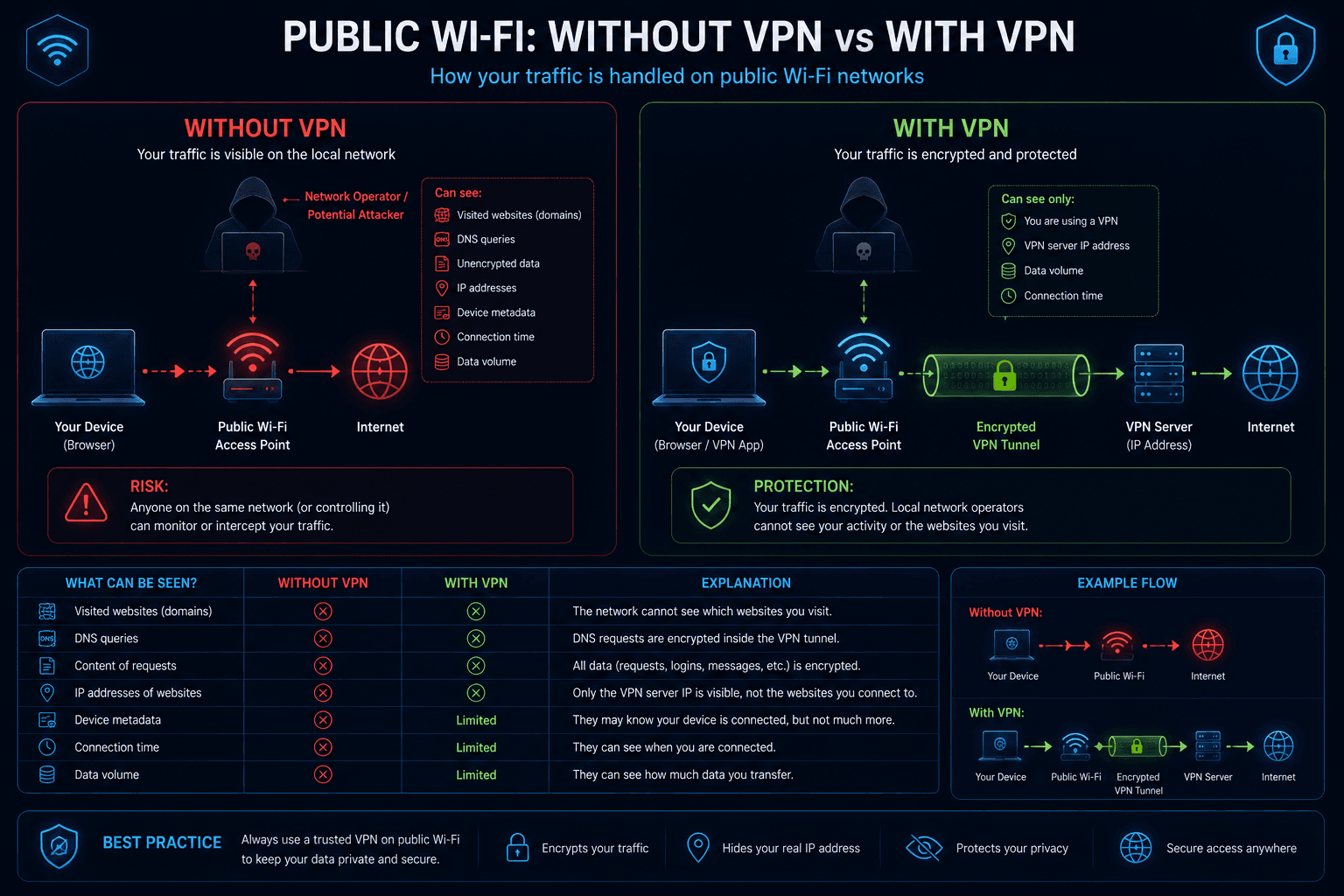
With a properly configured VPN, people on the local network generally cannot inspect your DNS requests, view the websites you visit, or analyze application traffic.
They can still see that your device is connected to the internet and estimate how much data you’re transferring, but the contents remain encrypted.
For example, WhoX VPN creates an encrypted tunnel between your device and the VPN server, providing an additional layer of protection whenever you use networks you don’t control.
A VPN improves privacy—but it doesn’t replace good security habits.
What a VPN cannot protect you from
Even with a VPN enabled, some risks remain.
A VPN cannot:
- stop phishing websites;
- protect you if you enter your password on a fake page;
- remove malware from your device;
- make an unsecured HTTP website automatically safe;
- replace antivirus software.
Think of it as one layer of protection, not a complete security solution.
Safety checklist for public Wi-Fi
A few simple habits greatly reduce the risks:
- connect only to trusted Wi-Fi networks;
- verify the network name before joining;
- prefer HTTPS websites;
- use a VPN on public networks;
- never ignore certificate warnings;
- keep your browser and operating system updated.
These precautions provide much stronger protection than relying on a single security tool.
Check your connection
After connecting to a VPN, it’s worth confirming that everything works correctly.
With Whoer.net, you can verify:
- your public IP address;
- DNS servers;
- WebRTC leaks;
- Browser Fingerprint.
This helps ensure websites see exactly the connection you intended to create.