guides
How to Change Your IP Address in 2026: Step-by-Step Guide (Safe & Working Methods)
How to Change Your IP Address (Quick Answer)
Short answer: You can change your IP address by using a VPN, restarting your router, switching networks, or configuring your device settings.
The most reliable method in 2026 is using a VPN.
Why You May Need to Change Your IP Address
Changing your IP is not just about privacy. It’s often required to:
- bypass blocked websites
- avoid IP bans
- reduce tracking
- fix connection issues
What Happens When You Change Your IP
When your IP changes:
- websites see a different location
- your ISP sees different traffic patterns
- session history may reset
However:
IP alone does NOT guarantee anonymity.
Modern systems also track:
- browser fingerprint
- behavior patterns
- device signals
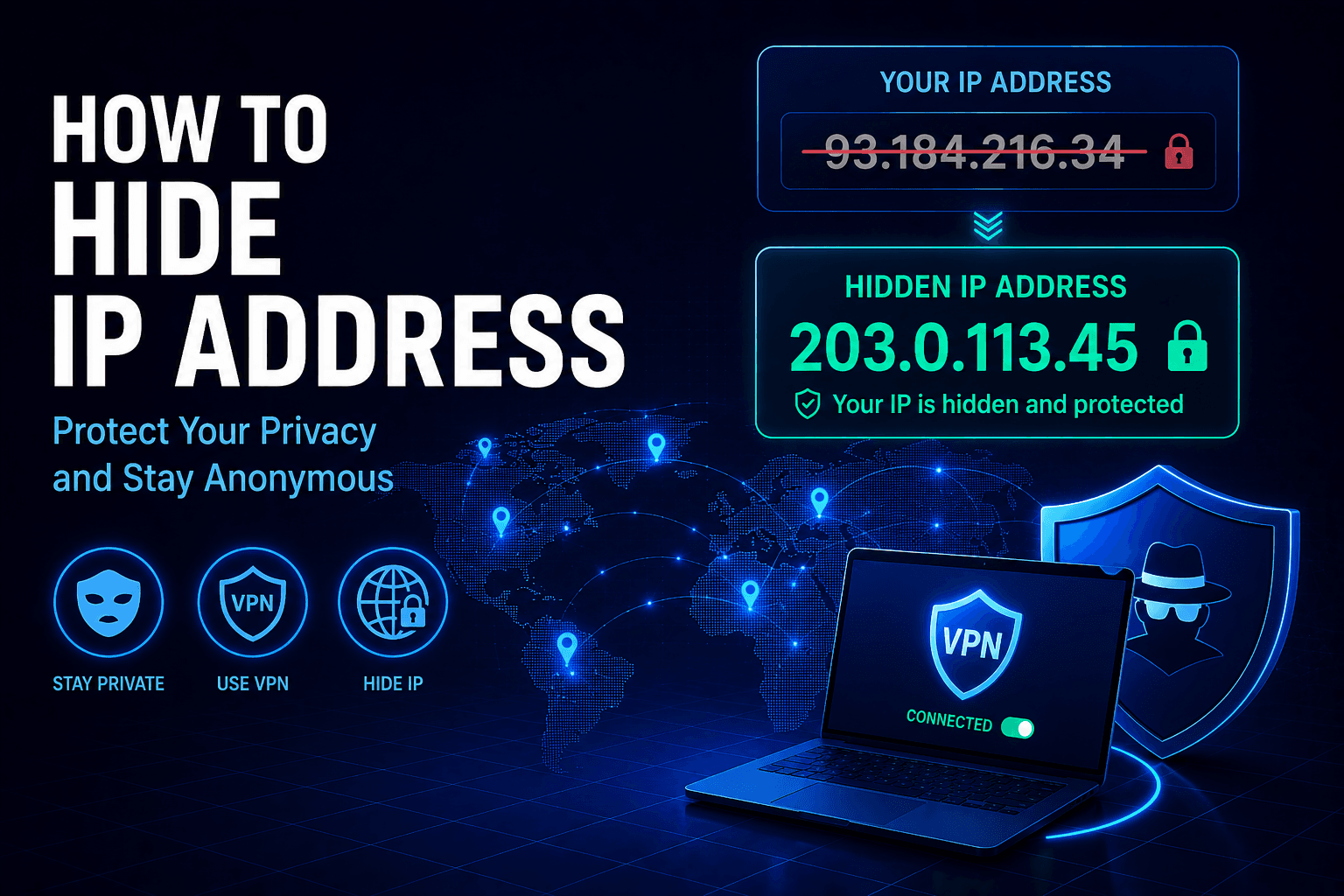
Method 1 — Use a VPN (Most Effective)
Steps:
- Install a VPN app
- Connect to a server
- Your IP changes instantly
What it does:
- replaces your real IP
- encrypts traffic
- hides activity from ISP
Example: WhoX VPN provides IP rotation and encrypted tunnels, making it harder for ISPs and websites to track your real IP.
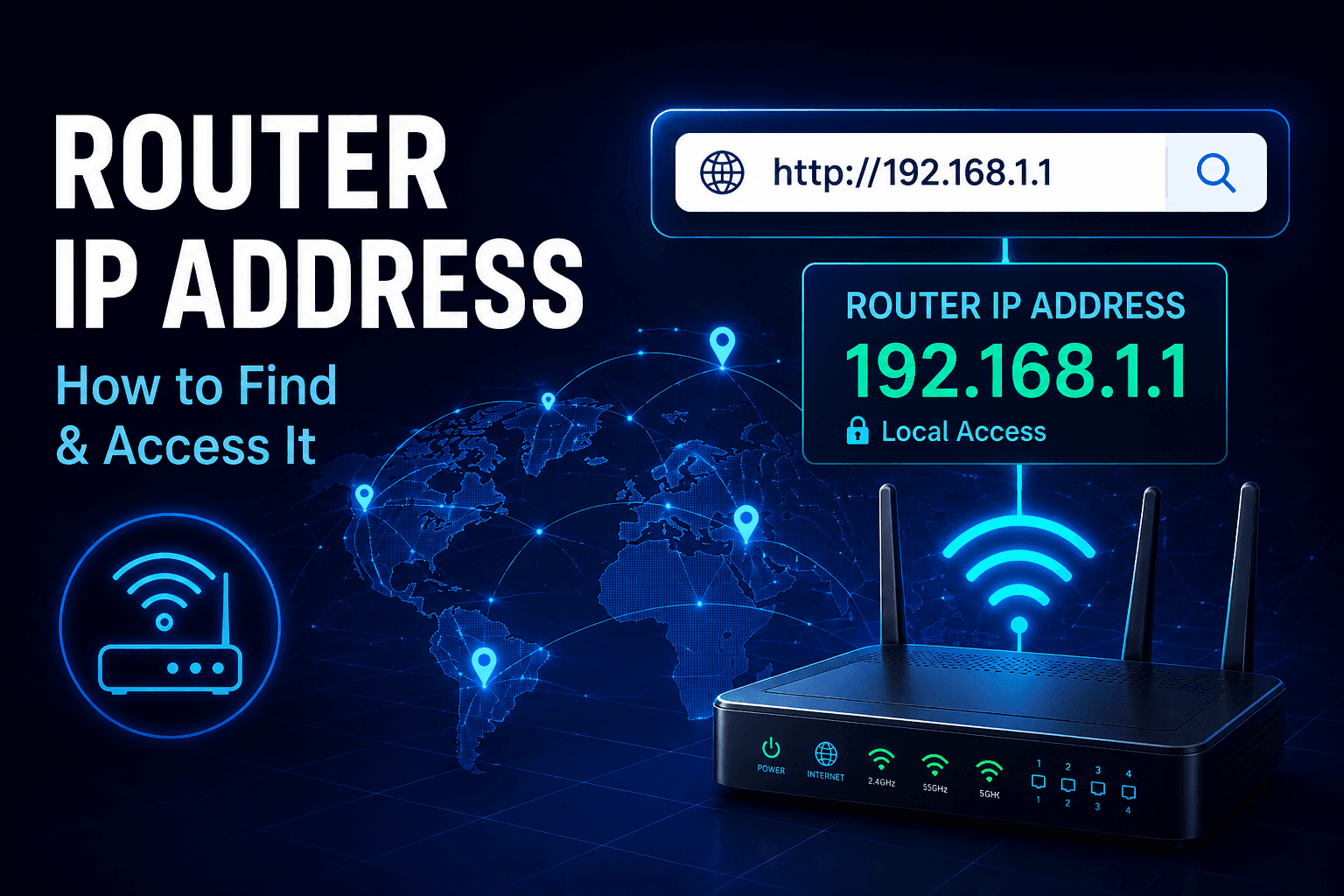
Method 2 — Restart Your Router
Steps:
- Turn off router
- Wait 5–10 minutes
- Turn it back on
Works if:
- your ISP uses dynamic IP
Does NOT work if:
- you have static IP
Method 3 — Switch Network
Examples:
- Wi-Fi → mobile data
- home network → public hotspot
Each network assigns a new IP.
Method 4 — Change IP Manually (Local IP)
Windows:
- Open Network Settings
- Change adapter settings
- Set manual IP
Important: This changes only local IP, not public IP.
Method 5 — Use Proxy (Limited Use Case)
Proxy servers can:
- mask IP for specific apps
But:
- no encryption
- easily detected
Real Risks in 2026
ISP Tracking
Even if you change IP:
- ISP still sees connections
- traffic patterns remain visible
AI Detection Systems
Platforms analyze:
- IP reputation
- behavior consistency
- device fingerprint
Result:
- CAPTCHA
- account restrictions
IP Reputation Issues
New IP may be:
- flagged
- blacklisted
- associated with abuse
How to Change IP Safely (Best Practice)
Checklist:
- use trusted VPN
- verify IP change
- avoid rapid switching
- maintain consistent device profile
How to Verify Your IP Changed
Quick Check:
- Open IP checker
- Compare before/after
Use tools like Whoer to:
- confirm new IP
- detect leaks
- analyze anonymity
Advanced: Avoid Detection (Important)
If you:
- manage multiple accounts
- automate tasks
Changing IP is NOT enough.
You must also control:
- browser fingerprint
- cookies
- session data
Tools like WadeX help isolate environments and match IP with device identity.
Common Mistakes
Only Changing IP
Problem:
- fingerprint exposes you
Using Free or Low-Quality VPNs
Problem:
- IPs are flagged quickly
Changing IP Too Frequently
Problem:
- triggers anti-fraud systems
Limitations
- IP change does NOT hide everything
- some services track accounts, not IP
- ISP still sees encrypted traffic patterns
Featured Snippet Answers
How to change IP address quickly? Use a VPN to instantly switch your public IP.
Can I change IP without VPN? Yes, by restarting your router or switching networks.
Why is my new IP blocked? It may have poor reputation or be flagged by websites.
FAQ
1. Does changing IP hide my identity?
No, other tracking methods still exist.
2. How often can I change IP?
Occasionally is safe; frequent changes may trigger detection.
3. Can ISP still track me?
Yes, unless traffic is encrypted.
4. What is the safest method?
Using a reliable VPN with encryption.
5. Why do I still get CAPTCHA?
Because systems detect inconsistencies beyond IP.
Final Takeaway
Changing your IP address is essential for bypassing blocks and reducing tracking — but it’s only one layer of protection.
In 2026, effective privacy requires:
- IP masking
- encryption
- fingerprint consistency
Without combining these, changing IP alone is not enough.